Quiet office keyboard shortlist
Quiet keyboards for shared offices: start with the room, not the switch.
Compare three quiet, low-profile wireless keyboards for shared offices by layout, number-pad needs, portability and multi-device use.
The short answer
For a shared office, a low-profile non-mechanical board is usually the safer quiet starting point than an unspecified mechanical keyboard. Choose MX Keys S when you want a premium full-size work board, MX Keys Mini when desk space and portability matter, or Signature Slim K950 when you want a simpler full-size option.
What matters most
- Quiet claims should be considered with your typing force and desk surface.
- Keep a number pad only if you genuinely use it.
- Low-profile travel can reduce finger movement as well as overall noise.
- Multi-device switching matters more than gaming features in many offices.
Products in this decision
Three quiet office starting points.
This shortlist deliberately includes two full-size directions and one compact option so the layout decision stays visible.
 Official Logitech product image
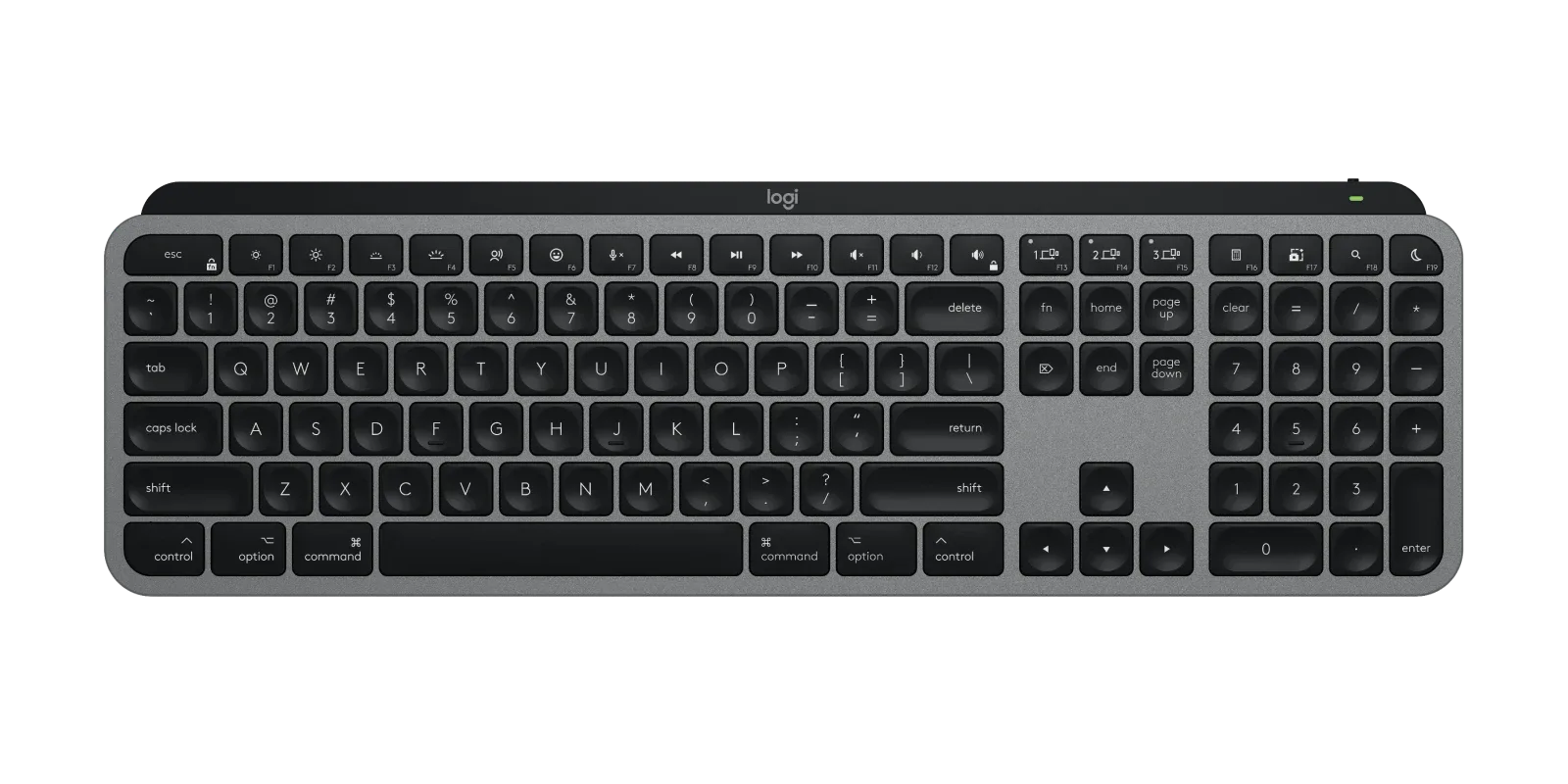
MX Keys S
Best for: A permanent work desk that needs a number pad, low-profile keys and multi-device flexibility.
A full-size low-profile wireless work keyboard with quiet operation and remapping support.
Trade-off: It takes more desk space and costs more than simpler office keyboards.
View official product page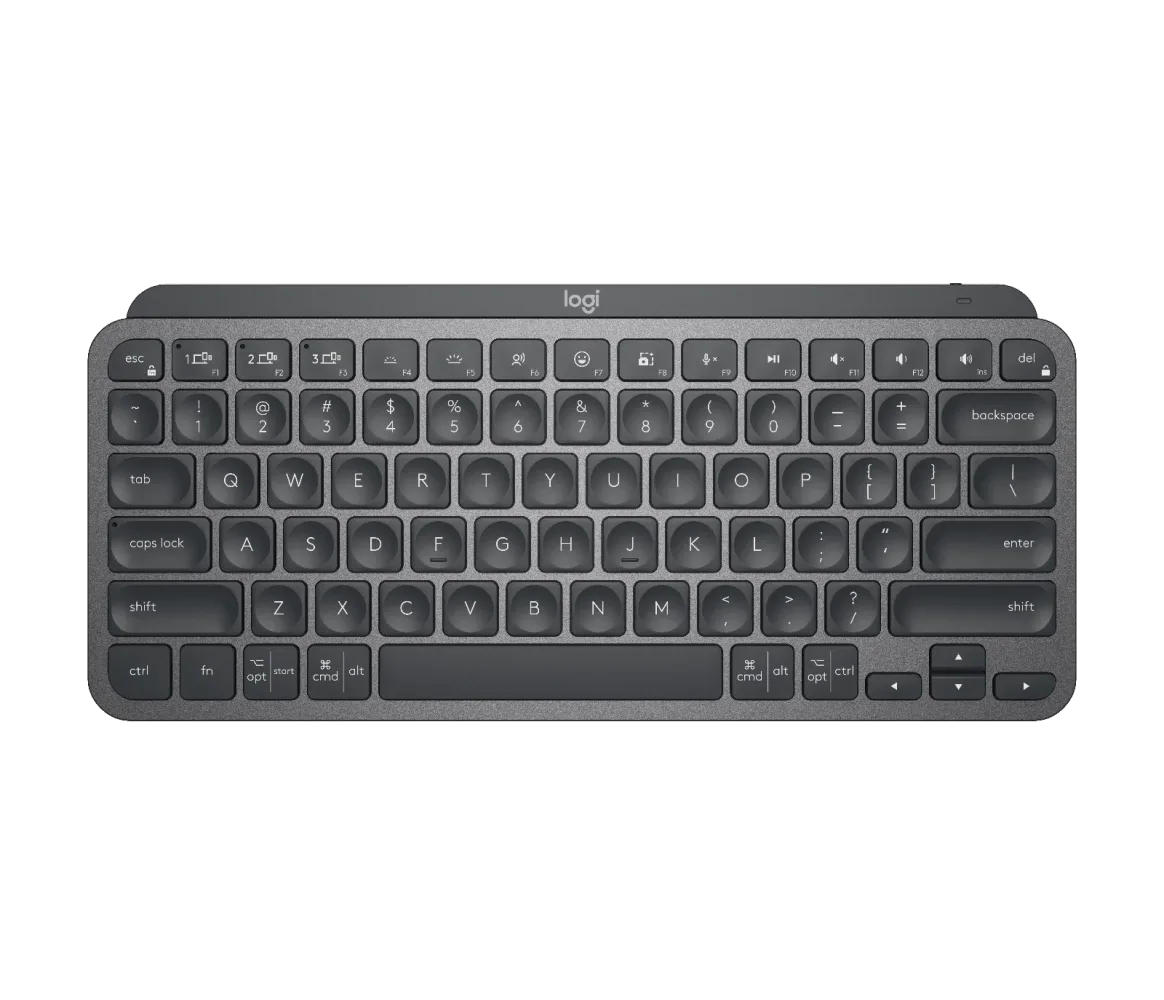 Official Logitech product image
MX Keys Mini
Best for: A smaller desk, travel or anyone who wants the mouse closer without learning keyboard layers.
A compact low-profile wireless keyboard with quiet keys and multi-device support.
Trade-off: It removes the number pad and may not suit number-heavy work.
View official product page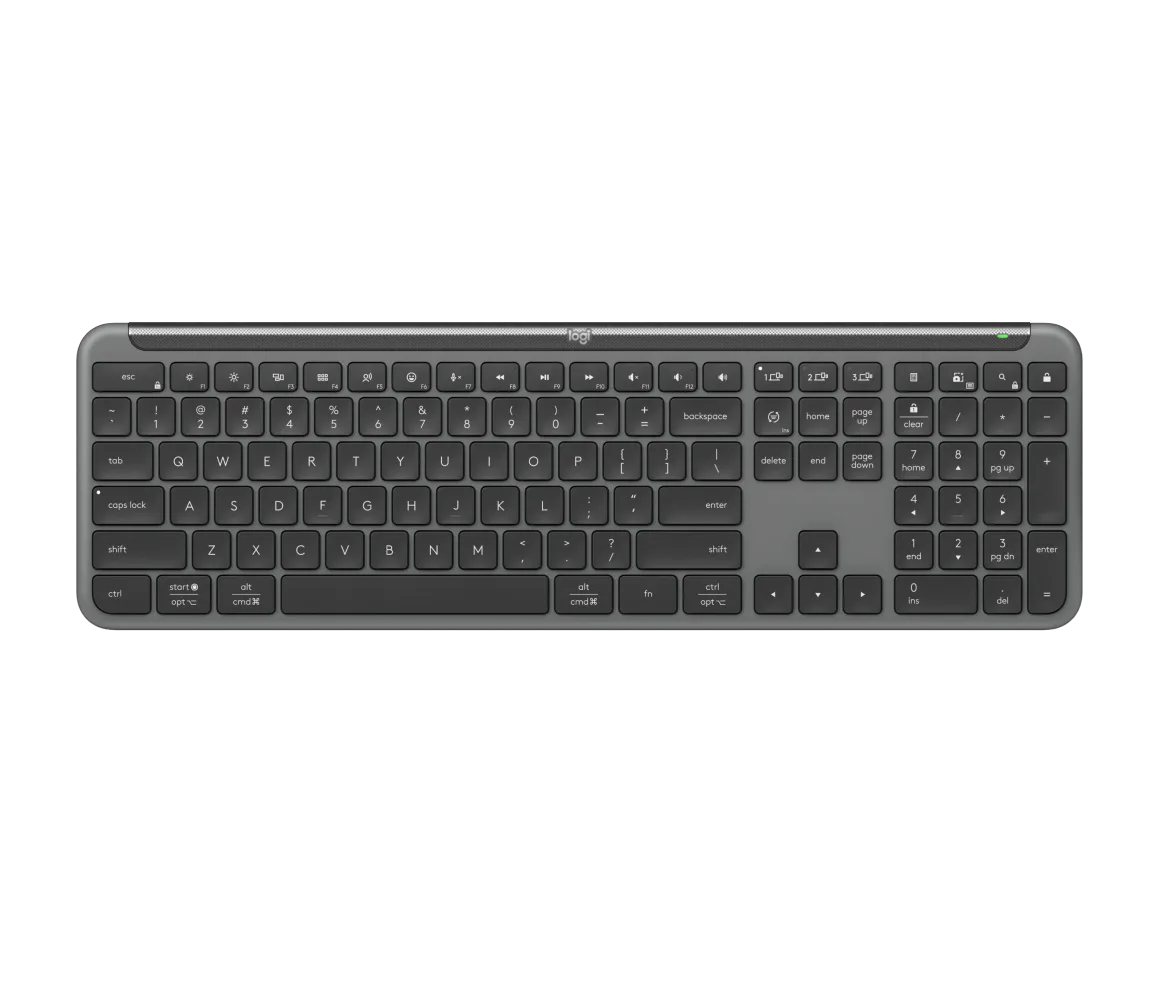 Official Logitech product image
Signature Slim K950
Best for: Straightforward full-size office use when quiet keys and device switching matter more than enthusiast features.
A slim full-size wireless keyboard with quiet low-profile keys, a number pad and remapping support.
Trade-off: It is intentionally simpler than the premium MX range.
View official product pageProducts are included for fit and comparison, not commission. Rankings in the finder remain independent of retailer availability.
At a glance
Compare the practical differences.
| Model | Layout direction | Best fit | Main compromise |
|---|---|---|---|
| Logitech MX Keys S | Full-size | Premium multi-device desk work | Largest footprint and higher cost |
| Logitech MX Keys Mini | Compact 75%-style | Portable or mouse-room-first desks | No number pad |
| Logitech Signature Slim K950 | Full-size | Straightforward quiet office use | Fewer premium controls than the MX line |
A quiet switch label is not the whole sound.
Bottoming out, large stabilised keys and the desk surface can all be audible. A desk mat and lighter typing technique may change the room experience more than a small difference between two quiet-labelled boards.
Layout is the real long-term decision.
The MX Keys Mini saves space by dropping the number pad, while the other two keep it. A quiet board that removes a daily workflow key is still a poor recommendation.
Confirm the regional key layout.
Keyboard legends and physical layouts vary by market. Check the exact local product code, operating-system support and included receiver before buying from an overseas listing.
Common questions
A few useful clarifications.
Are non-mechanical keyboards always quieter?
No, but low-profile scissor and membrane designs are often a safer quiet-room starting point than a mechanical board with unknown switches, stabilisers and case acoustics.
Should I avoid a number pad to save space?
Only if you rarely use it. Removing a number pad brings the mouse closer, but frequent spreadsheet or numeric entry can make a compact board less efficient.
Can a quiet keyboard still disturb people on calls?
Yes. Microphone placement, noise suppression, typing force and the desk surface all influence how much keyboard sound reaches a call.