Large-hand mouse shortlist
Mice for large hands: choose the job before the shell.
Compare a productivity mouse, a large competitive gaming mouse and a trackball for large hands without pretending one shape suits every task.
The short answer
For large hands, MX Master 4 is the productivity-first option, ZOWIE EC1-DW is the large-shape competitive gaming option, and MX Ergo S is the stationary trackball option. Hand size narrows the field, but the movement style and task decide the winner.
What matters most
- A large shell should support your grip without forcing finger reach.
- Productivity controls add weight that fast gaming users may dislike.
- Trackballs reduce arm movement but require a different control technique.
- Large hands can still prefer compact mice when using fingertip grip.
Products in this decision
Three large-hand directions.
This is a deliberately varied shortlist: the products solve different jobs rather than competing on one generic score.
 Official Logitech product image
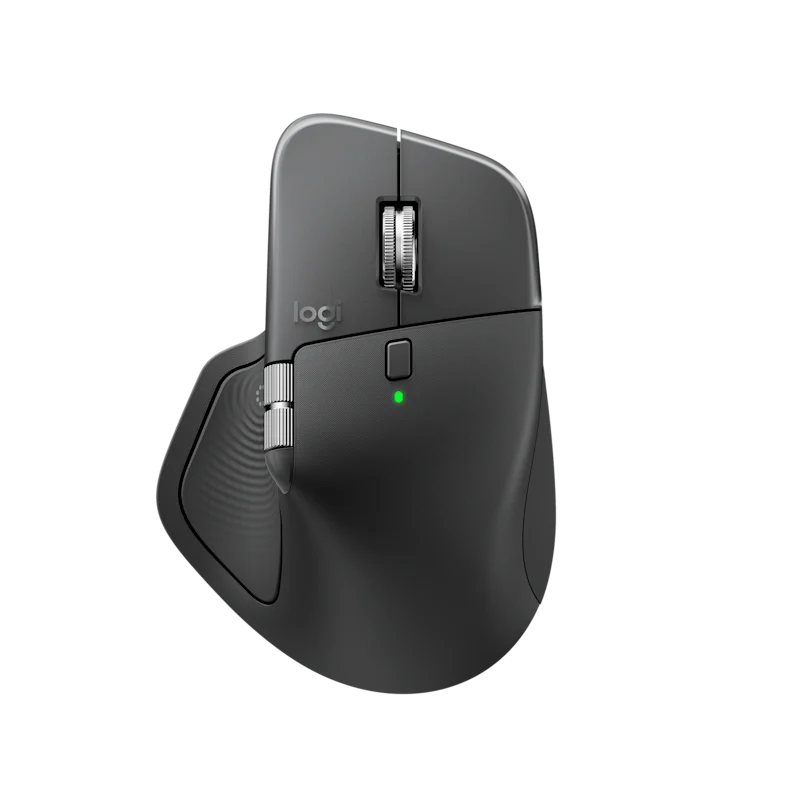
MX Master 4
Best for: Medium-to-large right hands that want deep productivity controls, advanced scrolling and a planted desk feel.
A flagship desk mouse with precise scrolling, a thumb wheel and haptic shortcut control.
Trade-off: Large, expensive and far too heavy for low-sensitivity competitive gaming.
View official product page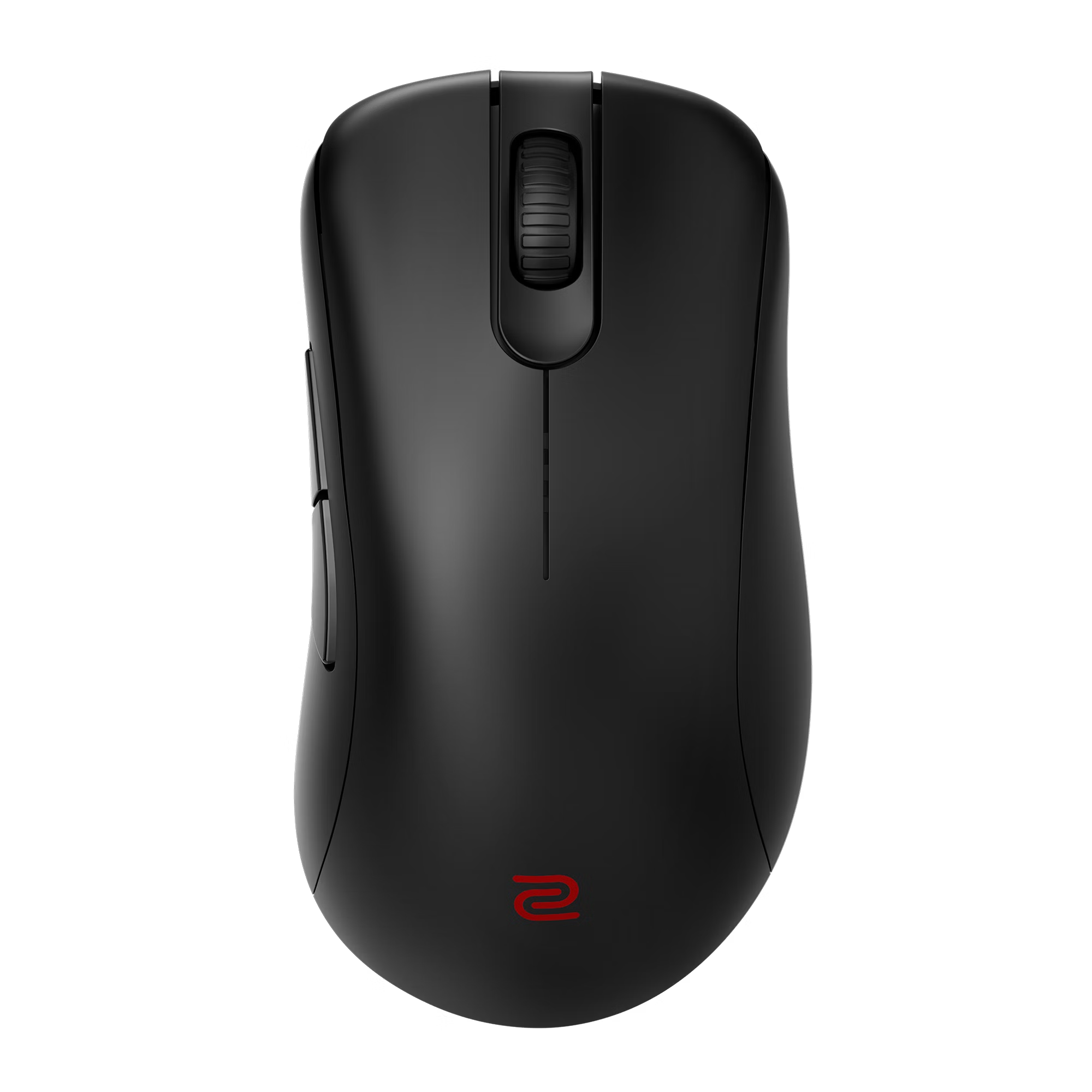 Official ZOWIE product image
EC1-DW
Best for: Large-hand palm or relaxed-claw players who want a light ergonomic tournament mouse without required software.
A large wireless EC shape with tournament hardware and a deliberately simple control set.
Trade-off: Expensive, intentionally sparse and oversized for many medium or small hands.
View official product page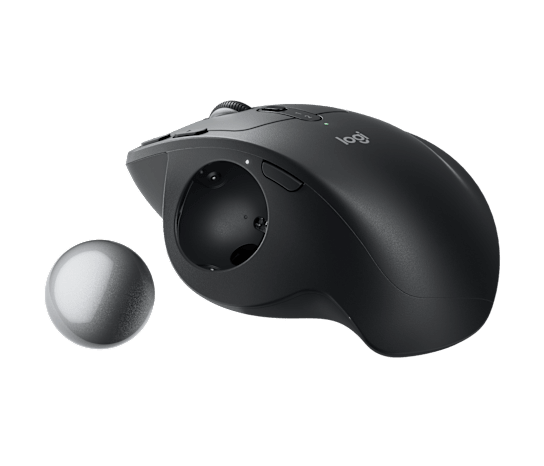 Official Logitech product image
MX Ergo S
Best for: Medium-to-large right hands that want the pointer to move without sweeping the mouse across the desk.
A tilting precision trackball with quiet clicks and fine cursor control for demanding desk work.
Trade-off: Heavy, right-handed and expensive if you are unsure about trackballs.
View official product pageProducts are included for fit and comparison, not commission. Rankings in the finder remain independent of retailer availability.
At a glance
Compare the practical differences.
| Model | Movement style | Primary job | Watch for |
|---|---|---|---|
| Logitech MX Master 4 | Move the whole mouse | Productivity and creative work | Weight and right-hand-only shape |
| ZOWIE EC1-DW | Fast conventional movement | Competitive gaming | Sparse controls and premium price |
| Logitech MX Ergo S | Stationary thumb trackball | Precision desk work | Adaptation and right-hand-only design |
Measure reach, not just palm length.
A shell can be long enough but still place side buttons or the wheel too far forward. Your grip and finger position should let you reach primary controls without shifting the whole hand.
Weight follows the job.
The ZOWIE is built to move quickly, while the Logitech productivity models remain planted and support more controls or a trackball mechanism. There is no useful universal target weight across those tasks.
Specialist shapes deserve specialist priority.
A trackball should rise to the top only when the user wants stationary cursor control. Likewise, a large competitive shell should not win a document-work recommendation simply because it physically fits.
Common questions
A few useful clarifications.
Do large hands always need a large mouse?
No. Fingertip users can prefer a smaller shell, while palm users usually need more length and height. Grip and control reach matter alongside hand length.
What is the best mouse weight for large hands?
There is no single target. Fast low-sensitivity gaming often benefits from lower weight, while a productivity mouse or stationary trackball can reasonably be much heavier.
Should a trackball be considered for gaming?
It can work for some games, but it requires a different control technique and is not the default choice for aim-heavy competitive play.